
Open the plan screen
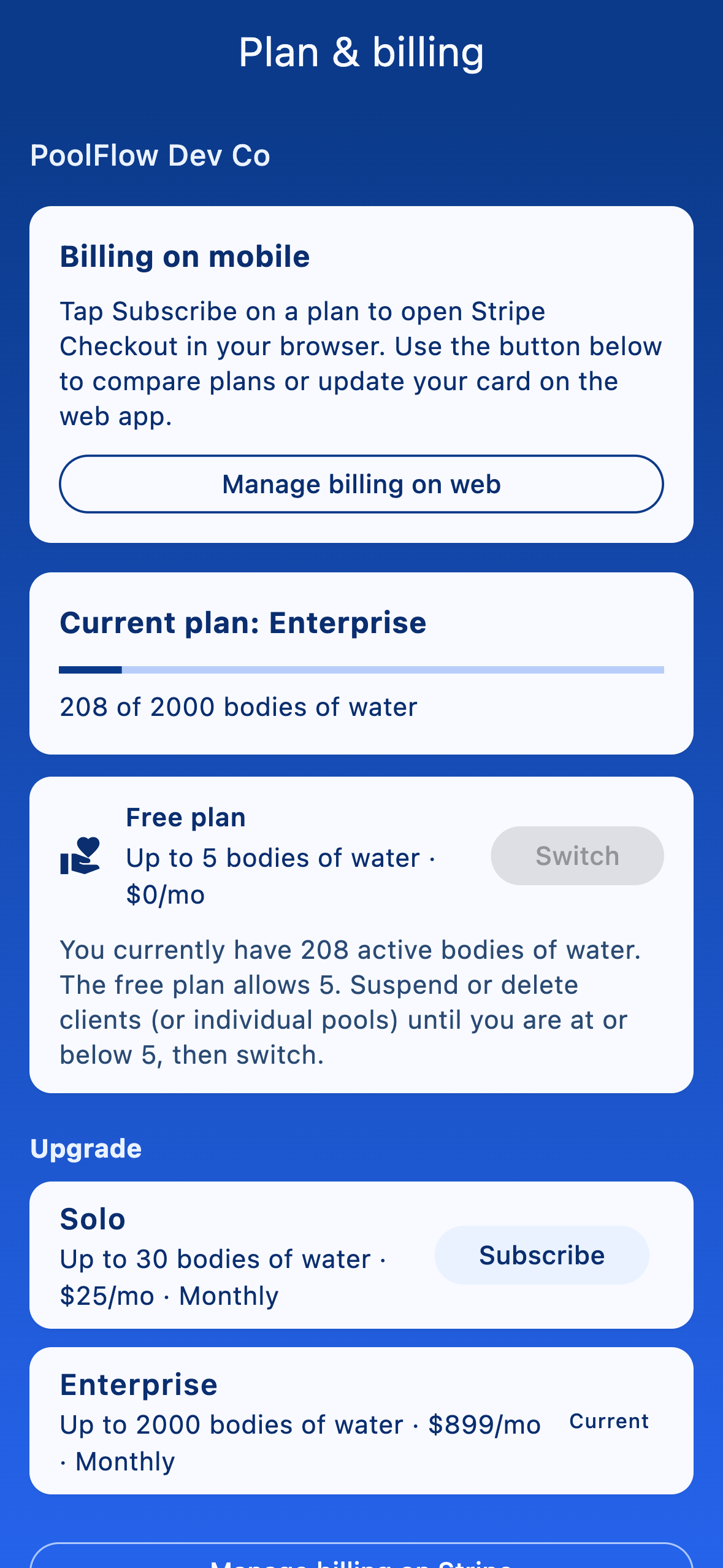
From More → Settings in the admin Company settings card, tap Plan & billing. The screen shows your current tier, how many clients you have against the tier's limit, and the next tier up.
Upgrade or change your plan
Plan changes work differently on each platform because of app-store rules:
- Web (app.mypoolflow.com). Tap the plan tile's Subscribe button to be taken to Stripe Checkout. Existing subscribers see a Manage billing on Stripe link instead, which opens the Stripe Customer Portal.
- iOS. Subscriptions are sold through the App Store. Tap the tile and complete the purchase with your Apple ID. If you reinstall the app or move to a new device, use Restore purchases to re-link your subscription.
- Android. In-app billing on Android is in progress — for now, upgrade via the web client on Android.
Switch back to the free plan
On any paid tier, the plan screen shows a Switch to free plan button. Downgrading takes effect at the end of your current billing period and keeps all your data — you'll just be capped at the free-tier limits.