
When to use mass-mail
Mass-mail is for one-to-many announcements: we're closing chemistry routes the week of July 4, opening pricing for the season, or weather alert. It is not a transactional system — individual visit summaries, work-order links, and invoices go out through other flows automatically.
Write your message
Open Email customers from the Clients & billing toolbar. Fill in the subject and the message body — keep it short and clear.
- Tick Include suspended clients only when the update applies to seasonal customers who aren't on active service.
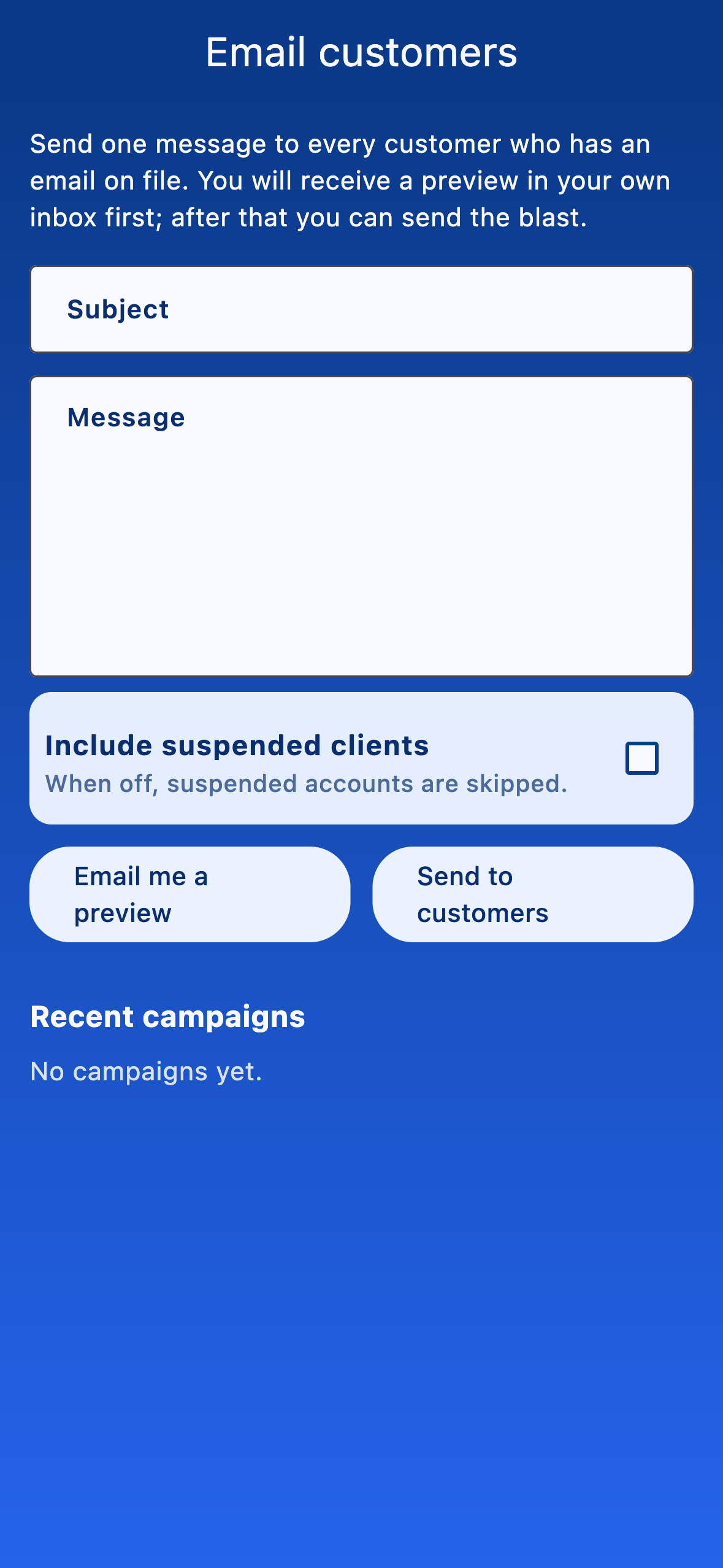
Always send yourself a preview first
Send the campaign
When the preview looks good, tap Send to customers. myPoolFlow only sends to clients who have an email address on file and (unless you ticked the box) aren't suspended. Recent campaigns are listed below the form for reference.